
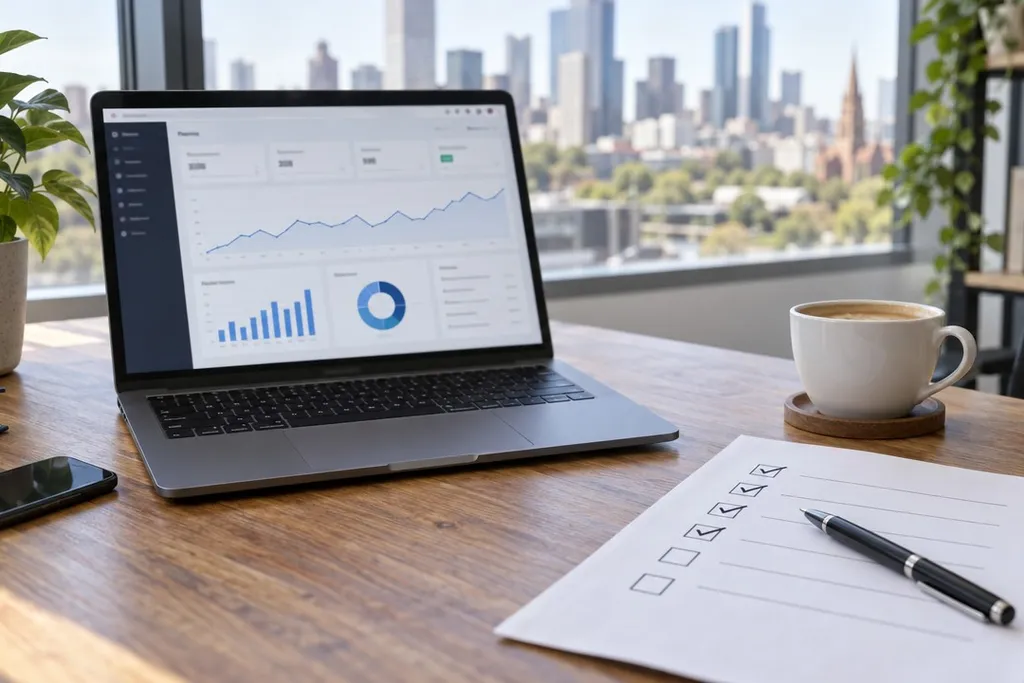
A WordPress website is a bit like a car. It keeps running for a long time without attention, until one day it doesn't. As a web design and WordPress development team in Melbourne, we see the same problems again and again, and most of them could have been caught early with a quick check once a month. This free website maintenance checklist takes about 30 minutes and needs no technical skills. Print it out, or save this page, and work through it on the first Monday of each month.
Keep Your Website Safe
- Check your backups: make sure a backup has run in the last week, and that a copy is kept somewhere other than your hosting account, such as cloud storage. A backup kept only on the same server can be lost along with the website.
- Update WordPress, plugins and themes: go to Dashboard, then Updates. Take a backup first, then update. Plugins are the add-ons that give WordPress extra features, and old versions are the most common way websites get hacked.
- Remove what you don't use: delete plugins and themes that are switched off. Even switched-off plugins can carry security holes.
- Review who can log in: go to Users and remove anyone who no longer needs access, such as a past staff member or contractor. Make sure nobody uses "admin" as their username, and turn on two-step login if you can.
- Look at Site Health: go to Tools, then Site Health. WordPress lists anything it thinks needs fixing, including an old PHP version. PHP is the software your website runs on, and version 8.3 or newer is the safe choice today.
Make Sure Everything Still Works
- Send yourself a test enquiry: fill in your own contact form and check the email arrives. A broken form can quietly cost you weeks of enquiries before anyone notices.
- Test any online payments: if you sell online, walk through the checkout up to the payment page and check the prices, delivery options and emails.
- Look at your website on a phone: most visitors arrive on a phone. Open your home page and your most important pages, and check that menus, buttons and images all work.
- Check the padlock: the address bar should show a padlock and your address should start with https. If it doesn't, your security certificate may have run out, and browsers will warn visitors away.
Help People Find You on Google
- Look at Google Search Console: this free Google tool shows how many people found you on Google and lists pages Google could not read. Fix anything marked as an error.
- Test your speed: put your home page into Google's free PageSpeed Insights tool. If the mobile score has dropped, a new plugin or a large image is often the cause.
- Check your details and dates: make sure your phone number, address, opening hours and prices are still correct, and note when your domain name and hosting are due for renewal.
Why Regular Website Maintenance Pays Off
Each of these checks is small, but together they stop the big problems: a hacked website, a form that stopped sending, or a slow page that Google moves down its results. Fixing a problem early nearly always costs far less than fixing it after customers notice. Regular maintenance also protects the money you spent on your website in the first place.
How We Can Help
At IDM2, we look after WordPress websites for businesses across Melbourne and Australia. If you'd rather spend your time running your business, our website maintenance services and care plans take care of backups, updates and security checks for you. If you need a WordPress developer in Melbourne for something bigger, see our WordPress website services, or get in touch for a chat.