
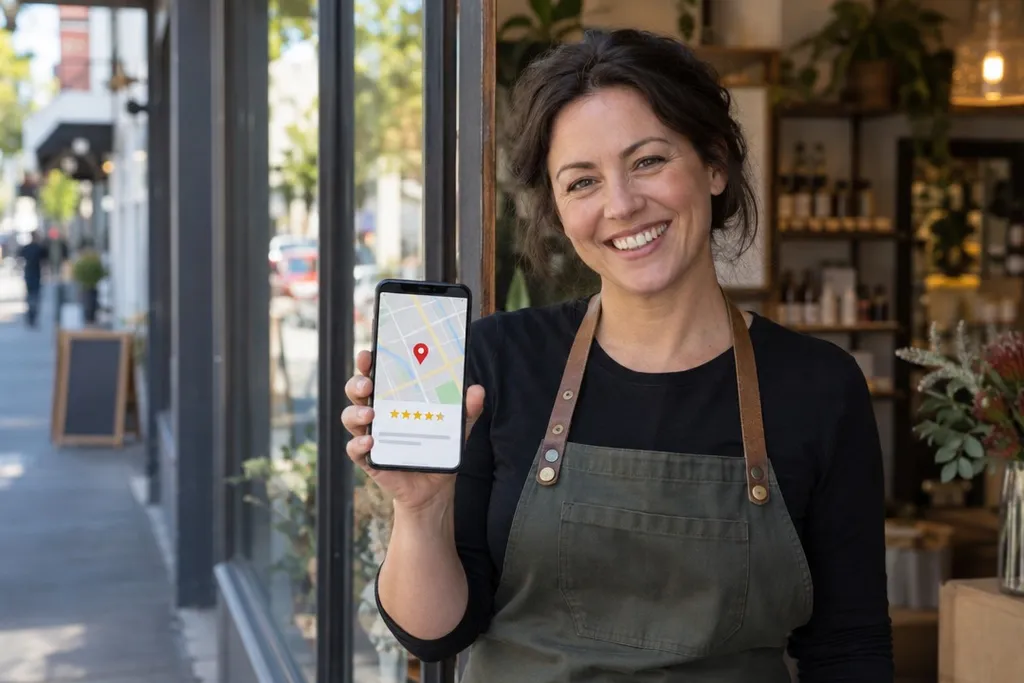
When someone searches for "plumber near me" or "cafe in Port Melbourne", the first thing they often see is a map with a few local businesses. Those listings come from Google Business Profile, Google's free business listing. For many local businesses it brings in more calls than the website itself. Yet many profiles are half finished or out of date. Here is how to get more out of yours.
Fill In Every Detail
Google is more likely to show a profile that is complete, and customers are more likely to trust it. Log in and fill in everything that applies to you:
- Business category: choose the main category that best describes what you do, then add a few others that also fit.
- Description: explain in plain words what you do, who you help and where you work.
- Services or products: list each one separately, with a short description. For example, a builder might list "bathroom renovations", "decks" and "extensions".
- Service areas: if you travel to customers, list the suburbs or regions you cover.
Keep Your Name, Address and Phone the Same Everywhere
Your business name, address and phone number should be exactly the same on your Google profile, your website, Facebook and any directories you are listed in. If one says "Unit 2, 10 Smith St" and another says "2/10 Smith Street", Google can be less sure they are the same business.
Use your real business name. Adding extra words like "Best Electrician Melbourne" goes against Google's rules and can get your profile suspended.
Get Your Opening Hours Right
Few things annoy a customer more than turning up to a closed door. Check your normal hours, and set special hours for public holidays such as Easter, Anzac Day and the Christmas break. Google lets you set these ahead of time, so you can do them all at once.
Add Photos and Posts
People want to see what they are getting. Add real photos of your shopfront, your team, your work and your products. Photos of the outside of your building help people find you. Add new photos every so often so the profile looks active.
You can also publish short posts on your profile, much like social media updates. Use them for special offers, new products, events or seasonal reminders. They take a few minutes and show customers that you are open and busy.
Ask for Reviews and Reply to Them
Reviews are one of the biggest reasons people choose one local business over another. The simplest way to get more is to ask. After a job goes well, send the customer a short message with a direct link to leave a review. Google gives you this link inside your profile.
Don't offer discounts or gifts in exchange for reviews, as Google's rules don't allow it. Reply to every review, good or bad. Thank happy customers by name. For unhappy ones, stay calm, apologise where it is fair, and offer to sort it out. Other customers read those replies and judge you on them.
Link to the Right Page on Your Website
Your profile has a website link. Point it to the page that best matches what people are looking for. A business with several locations should link each profile to that location's own page, not just the home page. Make sure that page loads quickly on a phone and makes it easy to call or book.
How We Can Help
At IDM2, we help Melbourne businesses set up and improve their Google Business Profile as part of our local SEO work. We also make sure the website it links to turns visitors into enquiries. If you would like a hand, get in touch and we will review your profile with you.