
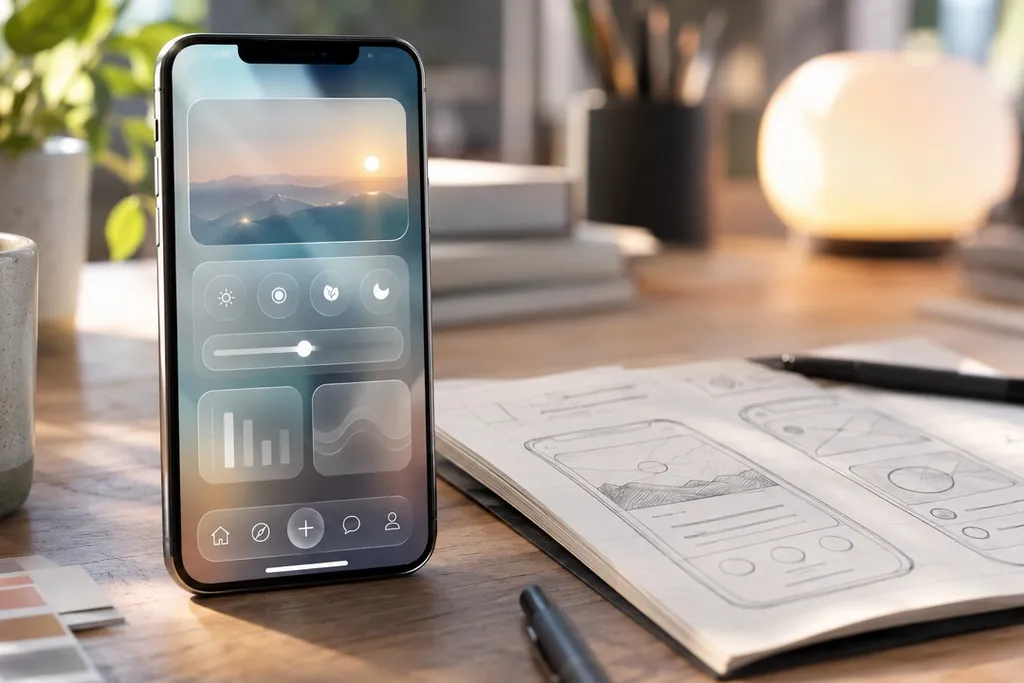
Every few years Apple gives the iPhone a fresh look, and this year's change is a big one. At its yearly developer conference, WWDC, on 9 June 2025, Apple announced a new design called Liquid Glass. If your business has an iPhone or iPad app, it is worth planning for now, before the update reaches your customers' phones.
What Is Liquid Glass?
Liquid Glass is a new see-through, glass-like style for buttons, menus, toolbars and other parts of the screen. These parts let some of the content behind them show through, and they catch light and shift slightly as you move and scroll. The aim is to make the content itself stand out, with the controls floating on top.
The new look is coming to all of Apple's devices, including iPhone, iPad, Mac and Apple Watch. Apple has also changed how it names its software. Instead of iOS 19, the next iPhone update is called iOS 26, named after the year ahead. It is due to be released later in 2025.
Will My App Change on Its Own?
Partly, and it depends on how your app was built.
- Apps built with Apple's standard parts: if your app uses Apple's own buttons, tab bars, menus and navigation, much of the new look will appear once the app is updated using Apple's latest building tools. This is often the easiest path.
- Apps with a custom design: if your app uses its own hand-made buttons, menus and toolbars, they will not change by themselves. Next to the new Apple look, they may start to feel dated or out of place.
- Apps built to run on both iPhone and Android: some of these tools draw their own buttons rather than using Apple's, so they may not pick up the new look automatically. It is worth asking your developer how your app is built.
Check That Everything Is Still Easy to Read
See-through designs look lovely, but they bring a real risk. When text sits on top of a moving photo or a busy background, it can become hard to read. Before the update reaches your customers, test your app carefully:
- Readability: check that text and icons are clear on every screen, especially over photos and coloured backgrounds.
- Contrast: make sure buttons stand out clearly from what is behind them, in both light mode and dark mode.
- Accessibility settings: try your app with larger text and with the iPhone's settings that reduce see-through effects, which some people rely on.
- Your brand colours: check that your colours and logo still look right against the new glassy surfaces.
Plan Your Updates Now
Apple usually releases its new iPhone software in the spring months here, after new iPhones are announced. Many people update within weeks. A little planning now means your app looks current from day one, rather than catching up later.
- Ask your developer to test your app on the early test versions of iOS 26 that Apple has made available.
- Decide which screens need a design refresh, starting with the ones customers use most.
- Plan new App Store screenshots. Your store page is often the first thing people see, and old-style screenshots can make an app look out of date.
How We Can Help
At IDM2, we design and build iPhone and Android apps for Australian businesses, and we can help you get ready for the new look. We can test your current app, fix anything that is hard to read and plan a sensible update. Find out more about our mobile app development and App Store optimisation, or get in touch with our Port Melbourne team.